 English
 فارسی





USDCAD Battle Pro MT5 – Automated Forex Trading with 15 Analysis Modules
Overview
USDCAD Battle Pro MT5 is a fully automated Expert Advisor designed specifically for the USDCAD currency pair on MetaTrader 5. It combines 15 independent analysis modules with a multi-timeframe weighted voting system to evaluate market conditions and identify potential BUY and SELL opportunities.
Instead of relying on a single indicator, the EA combines trend, momentum, volatility, market structure, and statistical analysis. Each module contributes to a Buy Score or Sell Score, and a trade is opened only when the difference between the scores reaches the configured MinScoreDifference.
Key Features
- 15 independent analysis modules covering different aspects of market behavior.
- Multi-timeframe analysis using selected timeframes from M1 to D1.
- Weighted voting system with configurable module weights and separate BUY/SELL factors.
- Automated trade execution with a maximum of one new trade per M30 bar.
- Multiple position management with configurable MaxOpenPositions.
- Fixed Take Profit for individual positions.
- Optional Trailing Stop with break-even protection logic.
- Global Protection to close positions when the combined floating loss reaches a configured threshold.
- Balance Recovery Close to close eligible losing positions when their losses have been covered by accumulated closed-trade profits.
- In-sample and out-of-sample testing modes for Strategy Tester analysis.
- Optional chart information panel to monitor the EA.
15 Analysis Modules
The EA evaluates the market through 15 configurable modules:
- EMA Trend
- ROC/ATR Momentum
- MACD Acceleration
- ADX/DI Strength
- Aroon
- Donchian Breakout
- Swing Structure
- Choppiness Regime
- ATR Expansion
- Z-Score Mean Reversion
- Candle Sequence
- Kaufman Efficiency
- RSI Reversal
- CMF Pressure
- LinReg t-stat
Each module can be enabled or disabled, assigned individual weights, and configured to analyze selected timeframes. This allows traders to customize how different market signals contribute to the final trading decision.
Position Management and Risk Controls
USDCAD Battle Pro MT5 includes several tools for managing open positions:
- Take Profit: Sets an individual profit target for each position.
- Trailing Stop: Optionally adjusts the Stop Loss as the trade moves favorably, using commission and swap considerations in its break-even logic.
- Global Protection: Closes all positions when their combined floating result reaches the configured loss threshold.
- Balance Recovery Close: Can close a losing position when the EA’s balance-recovery calculation indicates that accumulated closed-trade profits have covered its loss.
The EA also supports a configurable lot multiplier. Position volume is calculated using FixedLot × LotMultiplier ^ OpenPositions. For example, with a 0.01 starting lot and a multiplier of 2, successive position sizes may be 0.01, 0.02, 0.04, and 0.08. This can significantly increase total exposure, so settings should be selected carefully.
Recommended Settings
- Trading Platform: MetaTrader 5
- Symbol: USDCAD
- Entry Timeframe: M30
- Suggested Starting Balance: $1,000
- Reference Lot Size: 0.01 per $1,000
- Account Type: Hedging recommended
- Broker: ECN or Raw Spread
- Average Spread Guideline: Up to 20 points
- VPS: Recommended
The default configuration is prepared for USDCAD on M30. The EntryTF parameter controls the entry timeframe independently of the chart timeframe.
The suggested balance and lot size are reference values, not guarantees of suitability or safety. Point conventions and trading conditions can vary between brokers.
Quick Start
- Open a USDCAD chart in MetaTrader 5.
- Attach USDCAD Battle Pro MT5 to the chart.
- Set FixedLot according to your account balance and risk tolerance.
- Review the trading, position, and protection settings.
- Enable Algo Trading.
- Set ShowPanel = true if you want the information panel displayed.
For multiple charts, use a unique MagicNumber for each EA instance. A hedging account is recommended for managing multiple independent positions; on a netting account, the EA operates with only one position at a time.
Backtesting and Compatibility
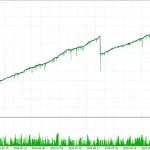
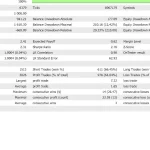
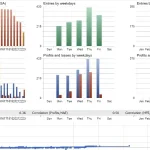
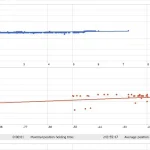
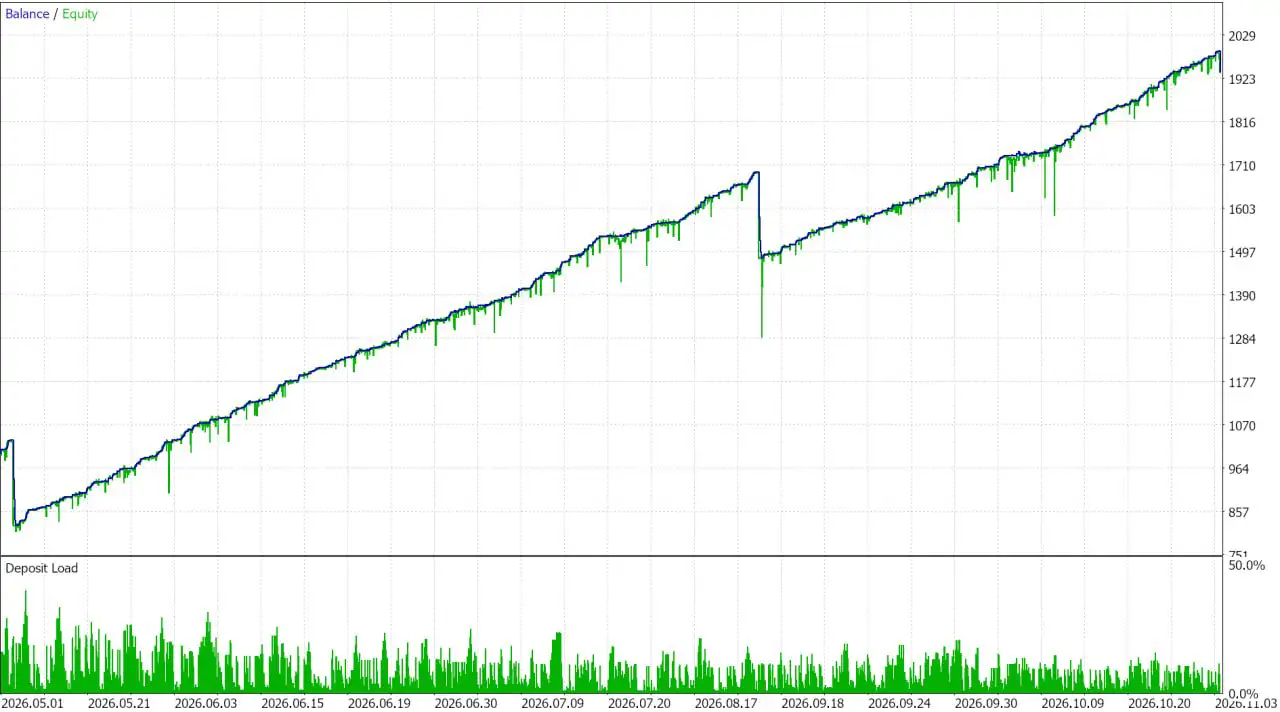
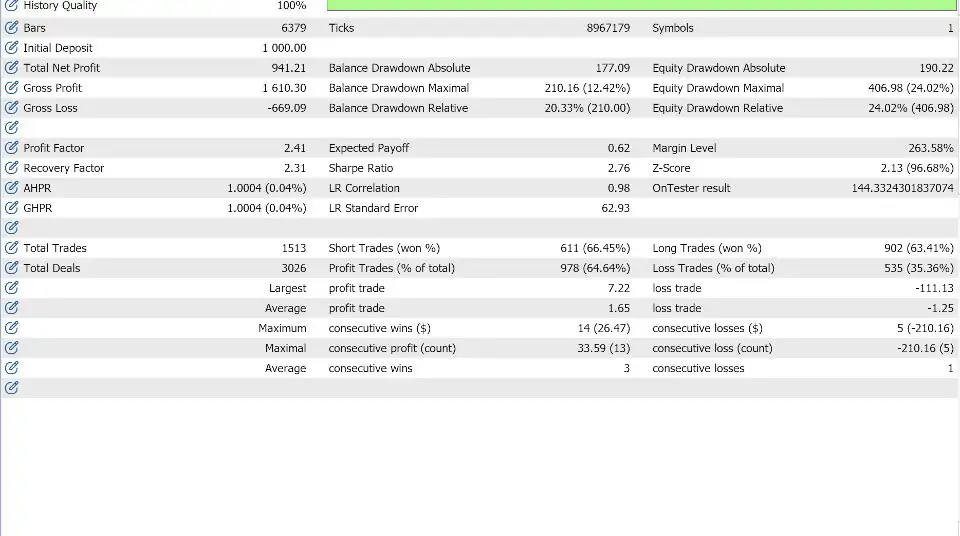
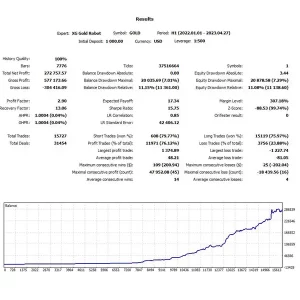
The EA includes SAMPLE_ALL, SAMPLE_IN, and SAMPLE_OUT modes for analyzing different historical periods in the Strategy Tester.
For more realistic testing, use Every tick based on real ticks where available. Demo testing is recommended before using real funds.
Important Risk Warning
Forex trading involves substantial risk and may result in the loss of some or all invested capital. The EA’s 15 analysis modules and weighted voting system do not eliminate market risk. Multiple positions and increasing lot sizes can significantly increase exposure.
Global Protection is not a guaranteed maximum-loss limit. Slippage, market gaps, liquidity conditions, spreads, commissions, and broker execution can cause actual losses to exceed the configured threshold. Backtesting results, including out-of-sample tests, do not guarantee future performance.
USDCAD Battle Pro MT5 is a trading tool, not financial advice. Test it carefully, understand its settings, monitor your exposure, and only trade with capital you can afford to lose.












Reviews
There are no reviews yet.